
Gara Pa
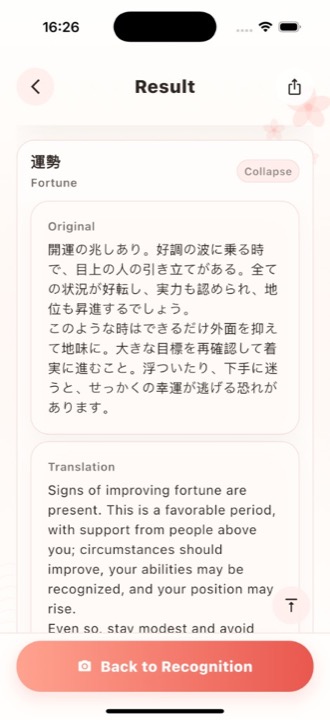
Fortune Slip Recognition — photograph a Japanese omikuji slip; AI translates and explains it in the language you choose.
Screenshots
What this app is
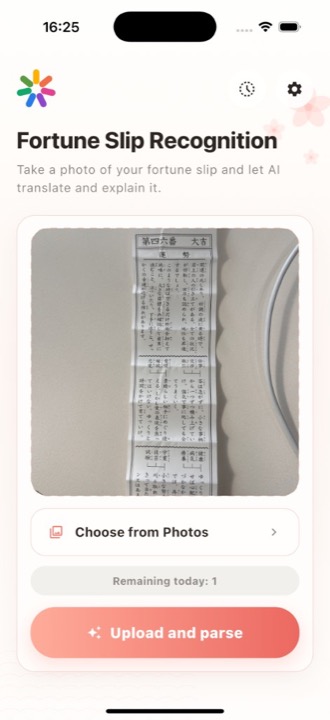
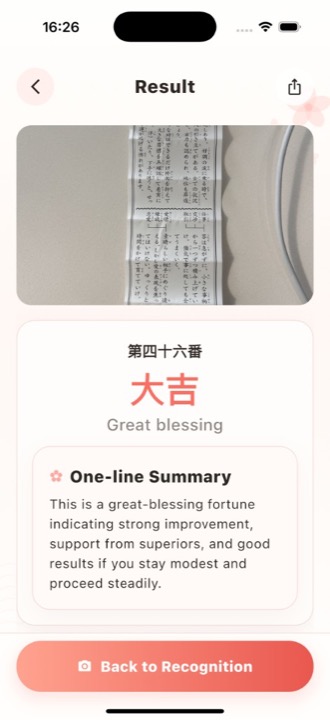
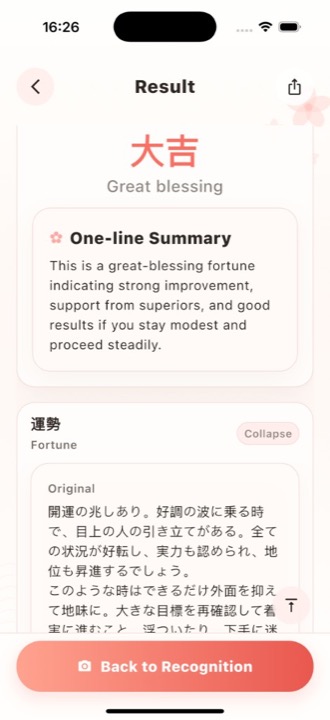
Gara Pa helps travelers and learners read paper omikuji / fortune slips from shrines and temples. You capture or import a photo; our backend runs OCR, translation, and summarization so you can understand fortune level, poetic lines, and practical guidance in your selected target language.
This page is hosted on the same API origin as the mobile client. It is a read-only product description and does not sign you in or upload images.
Typical flow
- Open the recognition screen, frame the entire slip, tap to capture or pick from Photos.
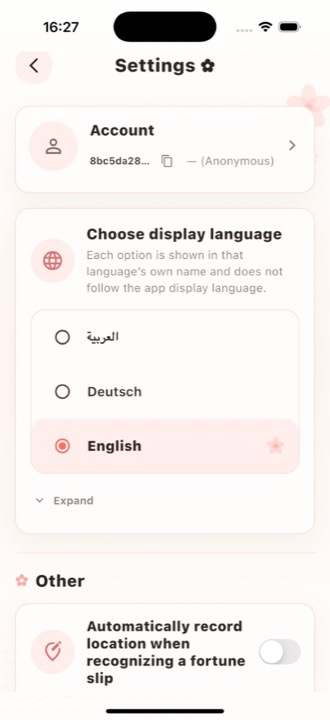
- Choose translation output language (independent from UI language where applicable).
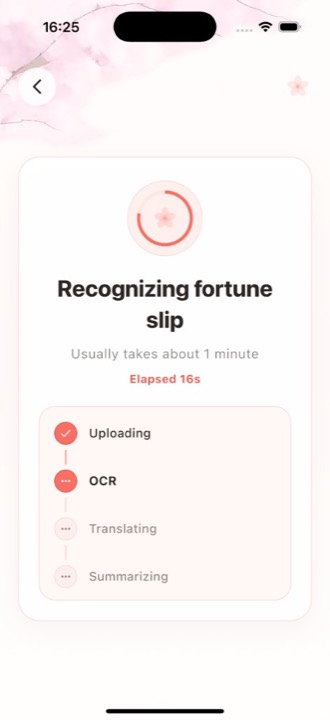
- Upload and wait while the pipeline runs (upload → OCR → translate → summarize).
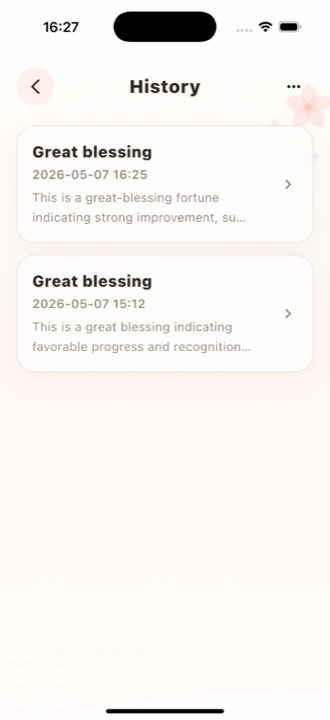
- Review structured results (fortune label, one-line summary, expandable sections), history, and settings.
Privacy & terms
Full Privacy Policy and Terms of Use ship inside the app under Settings. The same legal text for your selected language is also linked below. Image uploads for recognition happen only from the native app, not from this page.
App contact & feedback
To report issues, ask questions, or send product feedback about Gara Pa, open Settings in the app and use the feedback or support entry (exact labels depend on the version). If you have not installed the app, open the Gara Pa listing on the App Store or Google Play and use the developer website, support URL, or App support links shown on the store page (field names vary by store).
You may also email: [email protected]